

Learn Graphic Designing Course & Boost Your Career.
Discover the Art of Graphic Designing!
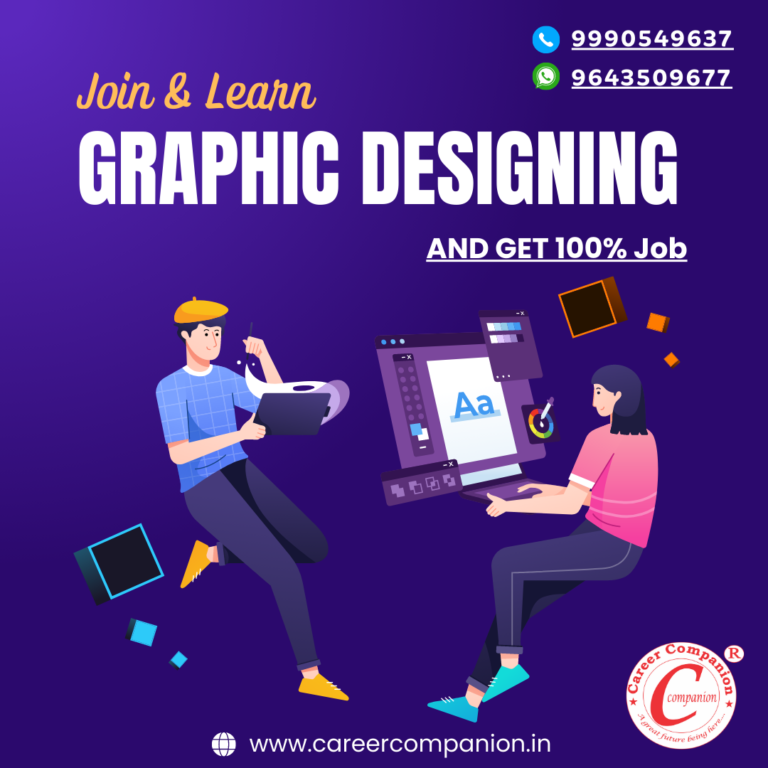
Are you fascinated by stunning visuals and eye-catching designs? Unleash your creativity with our Graphic Designing Course!
Master essential design principles and techniques.
Learn industry-standard software like Adobe Photoshop, Illustrator, and InDesign.
Create captivating logos, posters, social media graphics, and more.
Understand typography, color theory, and layout design.
Understand typography, color theory, and layout design.
Get hands-on experience with real-world design projects.
Unlock endless possibilities and embark on a creative journey!
Enroll now and become a skilled graphic designer in no time! Limited seats are available!
Module 01: Adobe Photoshop
- Introduction to Photoshop
- Overview of Photoshop’s interface and tools
- Understanding different file formats and their uses
- Navigating and customizing the workspace
- Image Editing Basics
- Resizing, cropping, and rotating images
- Adjusting brightness, contrast, and color levels
- Removing imperfections and blemishes
- Selections and Masking
- Using selection tools for precise editing
- Creating and refining selections
- Masking techniques for non-destructive editing
- Layers and Blending Modes
- Working with layers for better organization and flexibility
- Understanding blending modes and their creative applications
- Applying layer effects and styles
- Retouching and Restoration
- Advanced retouching techniques for portraits and photographs
- Restoring old or damaged images
- Enhancing details and correcting imperfections
- Photo Manipulation and Compositing
- Combining multiple images to create seamless compositions
- Adding and blending elements into a scene
- Creating surreal and artistic effects
- Typography and Text Effects
- Working with text layers and formatting options
- Applying text effects and styles
- Incorporating typography into designs
- Filters and Special Effects
- Exploring Photoshop’s filter gallery for creative effects
- Applying artistic and distortion filters
- Creating custom filter effects
- Working with Smart Objects
- Understanding the benefits of working with Smart Objects
- Using Smart Filters for non-destructive editing
- Creating reusable design elements
- Exporting and Optimizing
- Exporting images for different platforms and mediums
- Optimizing images for web and social media
- Saving files in various formats for print and digital use.
Module 02 : Adobe Illustrator
- Introduction to Adobe Illustrator
- Overview of Illustrator’s interface and tools
- Understanding different file formats and their uses
- Navigating and customizing the workspace
- Working with Shapes and Paths
- Creating basic shapes and using shape tools
- Drawing and editing paths with the Pen tool
- Modifying anchor points and curves
- Color and Swatches
- Understanding color modes and color models
- Using the Color panel and swatches
- Applying gradients, patterns, and color adjustments
- Working with Objects and Layers
- Organizing artwork with layers
- Arranging and aligning objects
- Transforming, scaling, and rotating objects
- Typography and Text Effects
- Adding and formatting text
- Applying text styles and effects
- Creating text-based logos and typographic designs
- Working with Brushes and Effects
- Using brushes for strokes and creative effects
- Applying effects and filters to artwork
- Creating and editing custom brushes
- Drawing and Editing Illustrations
- Using the Shape Builder and Pathfinder tools
- Creating and manipulating complex illustrations
- Incorporating gradients and shading
- Working with Symbols and Graphic Styles
- Creating and using symbols for efficiency and consistency
- Applying graphic styles for quick design enhancements
- Managing and editing symbol libraries
- Advanced Techniques and Effects
- Working with advanced drawing tools
- Applying 3D effects and perspective
- Creating blends, patterns, and complex artwork
- Exporting and Output
- Saving and exporting files for print and digital use
- Understanding file formats and resolution settings
- Preparing files for different platforms and mediums.
Module 03: CorelDRAW Course
- Introduction to CorelDRAW
- Overview of CorelDRAW’s interface and tools
- Understanding different file formats and their uses
- Navigating and customizing the workspace
- Working with Shapes and Objects
- Creating basic shapes and using shape tools
- Drawing and editing curves and lines
- Arranging and aligning objects
- Color and Fills
- Understanding color models and color palettes
- Applying solid and gradient fills to objects
- Creating and using custom color swatches
- Working with Text
- Adding and formatting text in CorelDRAW
- Applying text effects and styles
- Creating text-based logos and typographic designs
- Working with Layers
- Organizing artwork with layers
- Managing and editing layer properties
- Using layers for efficient design workflow
- Drawing and Editing Tools
- Using the Pen tool for drawing and editing paths
- Creating and manipulating complex shapes
- Applying shaping and node editing techniques
- Special Effects and Enhancements
- Applying effects and filters to artwork
- Creating shadows, reflections, and 3D effects
- Using transparency and blending modes
- Working with Bitmaps and Photos
- Importing and editing raster images in CorelDRAW
- Adjusting and enhancing photos
- Creating image masks and collages
- Vectorizing and Tracing
- Converting raster images into editable vectors
- Using the PowerTRACE feature for tracing artwork
- Cleaning up and refining traced results
- Layout and Output
- Creating layouts and compositions
- Designing for print and digital mediums
- Preparing files for different output formats
Course Project: Participants will complete a series of hands-on projects throughout the course, applying the skills and techniques learned in each module. The final project may involve creating an illustration, designing a logo, or developing a vector-based artwork.
Assessment: The course assessment will be based on active participation, completion of assignments, and the final project.
Certificate: Upon successful completion of the Illustrator Course, participants will receive a certificate of achievement.
Our Authorised Branches



 Being a Bright Future